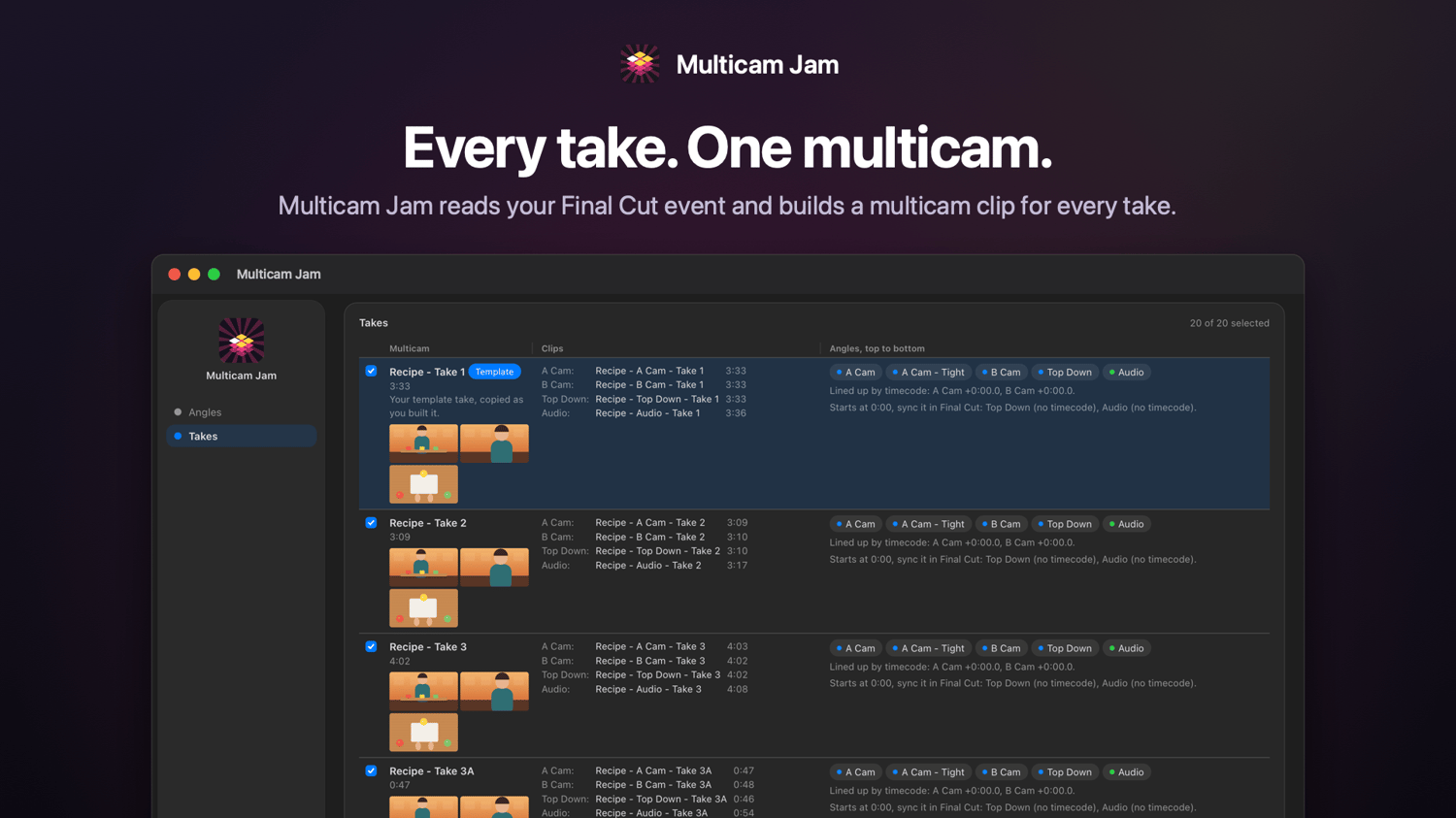
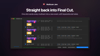
Multicam Jam is a Mac app for Final Cut Pro editors. Build one multicam by hand, and it builds a matching one for every other take. Twenty takes and four cameras used to mean twenty multicams, built one at a time. Now it means one. Turn hours of redundant clicks into seconds.
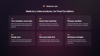
How it works 4
1
Build one take
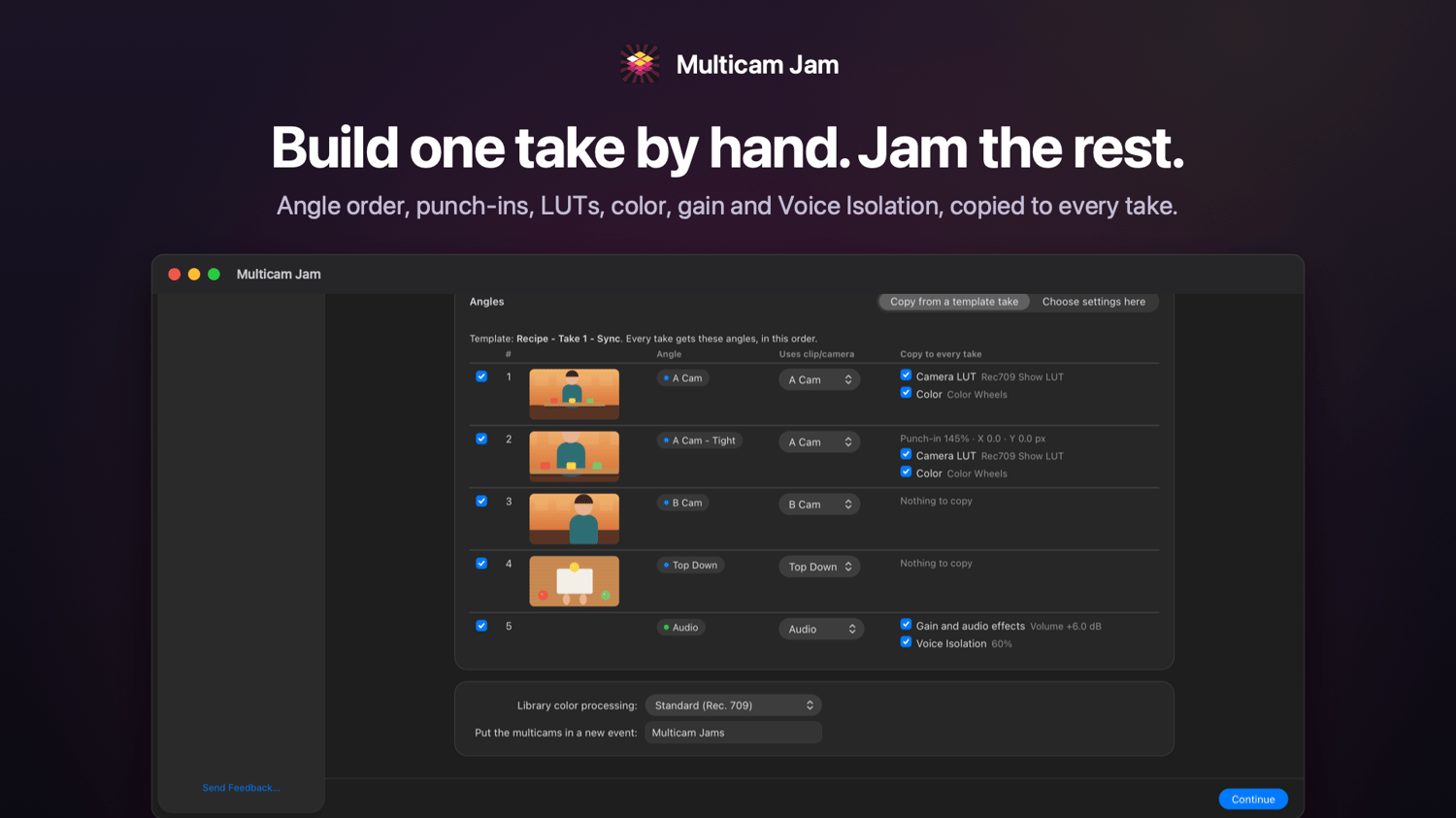
In Final Cut, make one multicam your way: angle order, punch-ins, LUT, grade, gain and Voice Isolation.
2
Drag in the event
Drop the event onto Multicam Jam.
3
Review the takes
See every take it found, with a thumbnail from each camera if you allow read-only access.
4
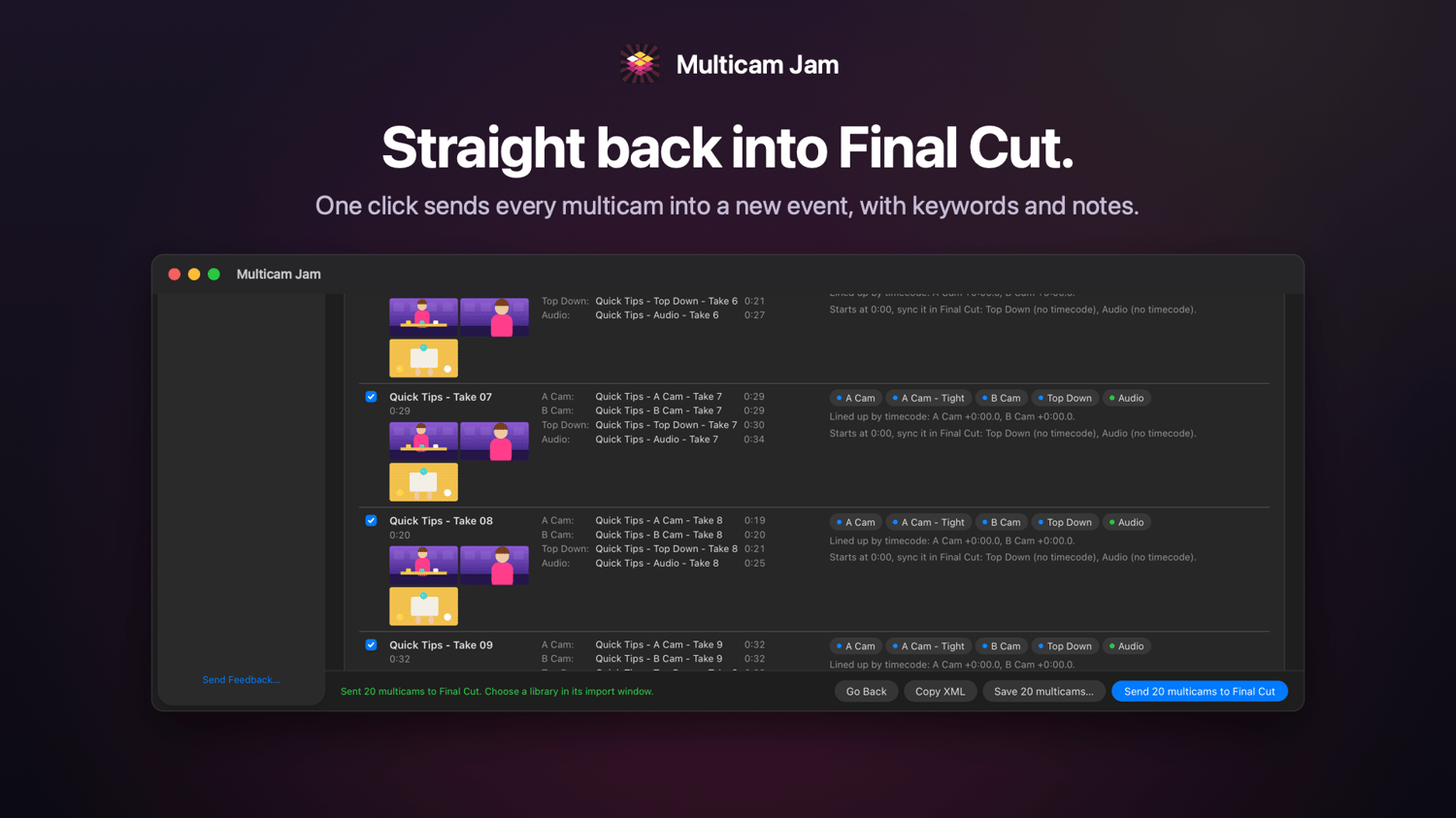
Send to Final Cut
The multicams appear in a new event, ready to edit.
Safe 3
Your library is never touched
It works from an XML export of your event, and never changes or deletes anything in your library or media.
Everything lands in a new event
New multicams go into their own event. Your original clips stay exactly where they were.
Thumbnails, read only
The XML contains no visuals, so thumbnails can be generated if you grant read-only disk access. Nothing is ever written.
What gets copied 6
Angle order
Every multicam gets its angles in the order you set.
Punch-in angles
Your punched-in versions of each camera come along as their own angles.
Camera LUTs
The LUT on each camera in your take is applied to the same camera everywhere.
Color and effects
Color corrections and other video effects carry over.
Audio gain
Levels you set once are set on every take.
Voice Isolation
Copied too. Untick anything you would rather not copy.
Finds your takes 3
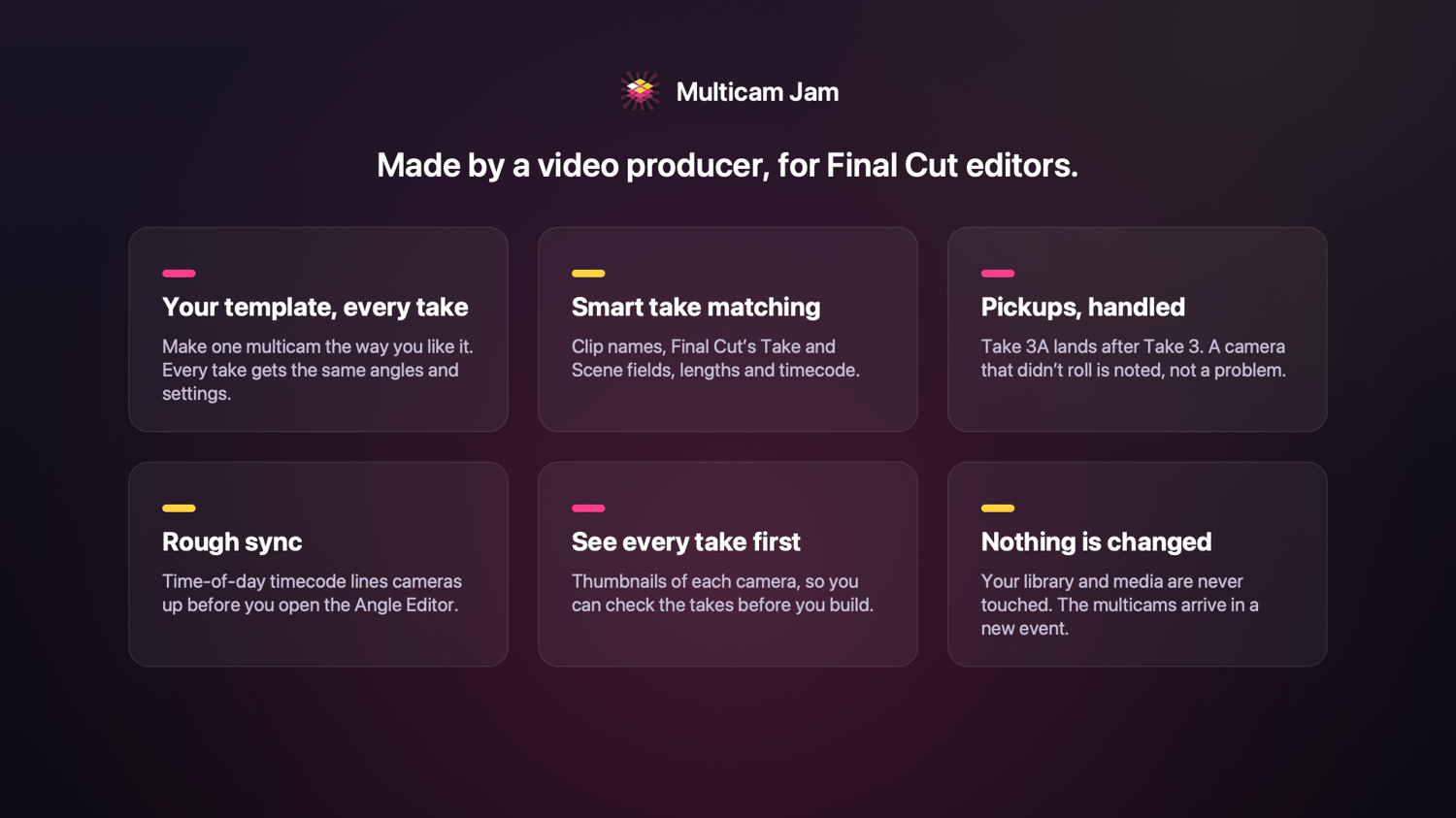
Smart take matching
Reads clip names, Camera Name, Take and Scene fields, clip lengths and timecode to group clips.
Several subjects, one event
Shot more than one subject? It keeps them apart within the same event.
Pickups in order
A "Take 3A" pickup lands between Takes 3 and 4, where it belongs.
Handles the mess 3
Missing angles
If a camera missed a take, it tells you and still builds the take.
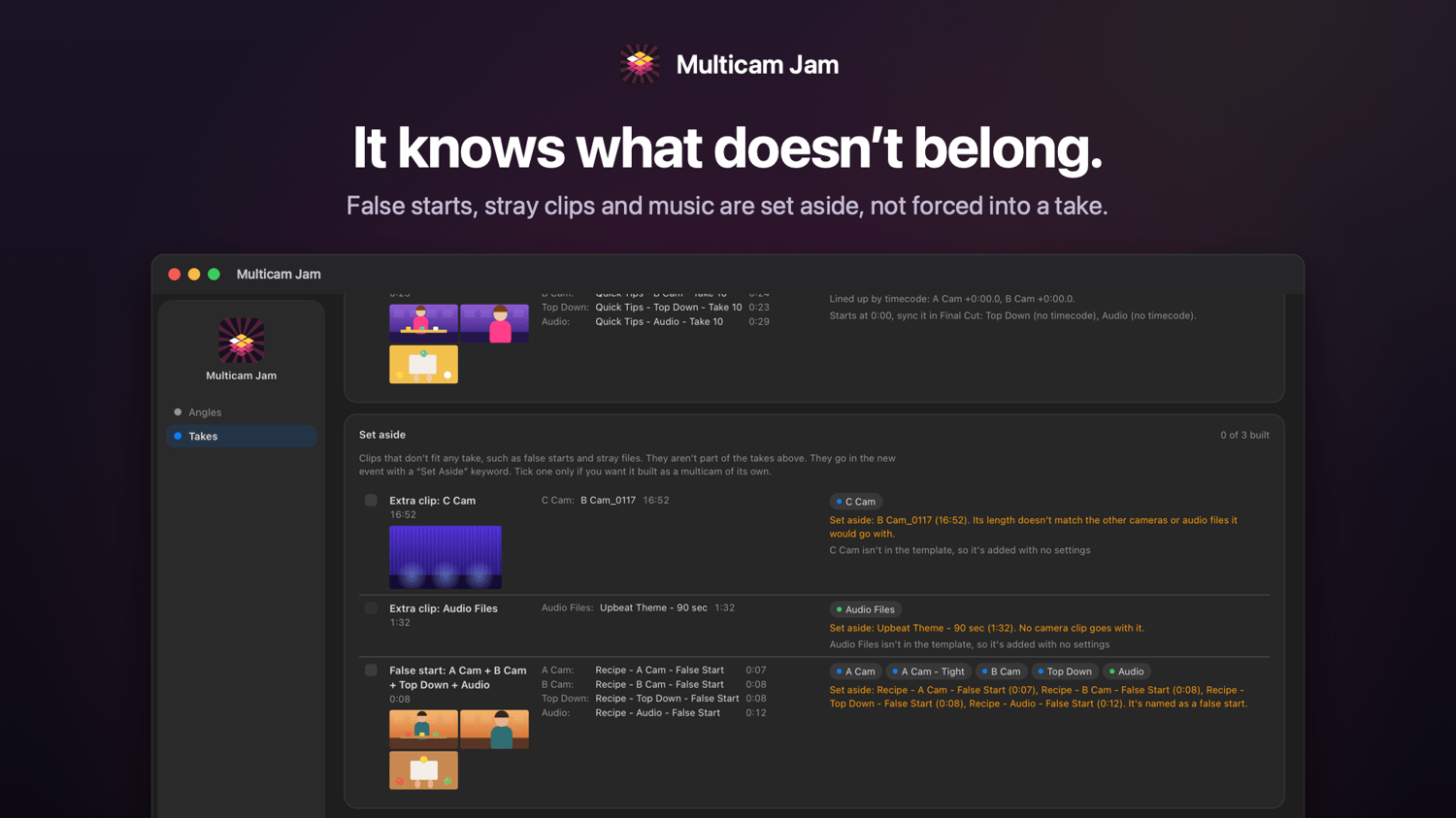
Set-aside clips
False starts, strays from other shoots and music tracks stay out of your takes, optionally filed under a "Set Aside" keyword.
Shared audio
One long audio file that covers two takes is used for both.
Ready to edit 3
Rough sync
Cameras with time-of-day timecode arrive roughly aligned. The rest start at zero, ready for Sync to Monitoring Angle.
Keywords and notes
Each multicam gets a keyword for its subject and a note listing the files it uses.
Your template comes too
The take you built by hand is included, so every take sits in one event.
questions.
Will it change my Final Cut library?
No. Multicam Jam works from an XML export of your event and never changes or deletes anything in your library or media. The new multicams go into a new event. If you want thumbnails, it asks for read-only disk access, because the XML contains no visuals.
Do my cameras need timecode?
No. Cameras with time-of-day timecode arrive roughly aligned. Angles without it start at zero, ready for Final Cut's Sync to Monitoring Angle.
What if a camera missed a take?
Multicam Jam notes the missing angle and still builds that take with the cameras it has.
What do I need to run it?
An Apple silicon Mac (M1 or later) running macOS 26 Tahoe or later, and Final Cut Pro. The download is tiny, under 1 MB.
How many Macs can I use it on?
One license code works on up to 3 of your Macs. Enter it once and the app works offline. To move it to another Mac, deactivate it on the old one from the License window.
What if it isn't for me?
Refunds are allowed for 30 days, no questions asked.
By using this website, you agree to our use of cookies. We use cookies to provide necessary site functionality and provide you with a great experience.
Thank you!
Your message has been successfully sent
Thank you!
Your form has been submitted. Please check your email for a copy of your responses. If you're accepted, you'll receive an email with a link to checkout.
Could not add item to cart
Write a Review
After purchase you are sent an email receipt which includes your download page link. Please visit that download page to submit a review for this product.