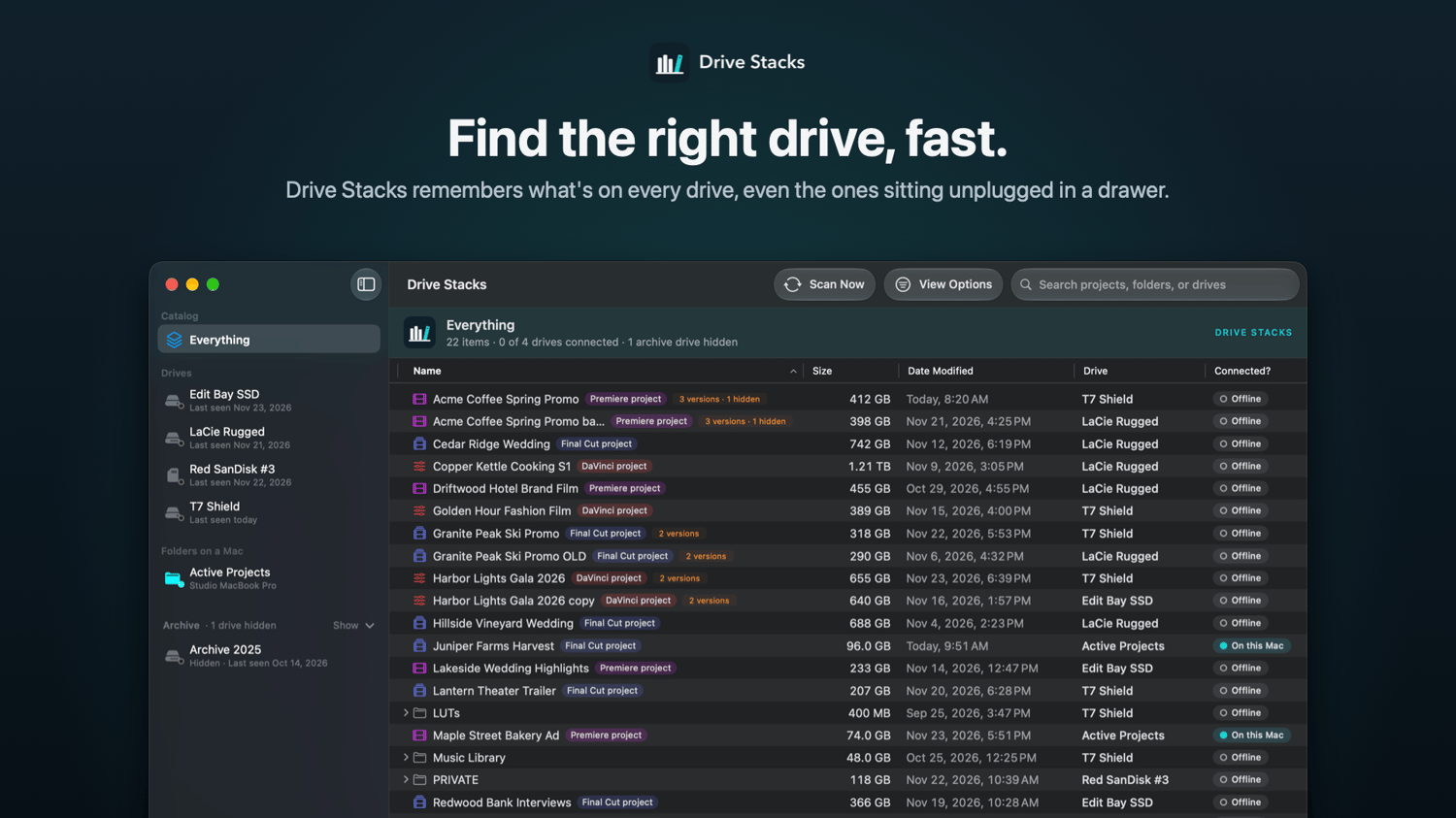
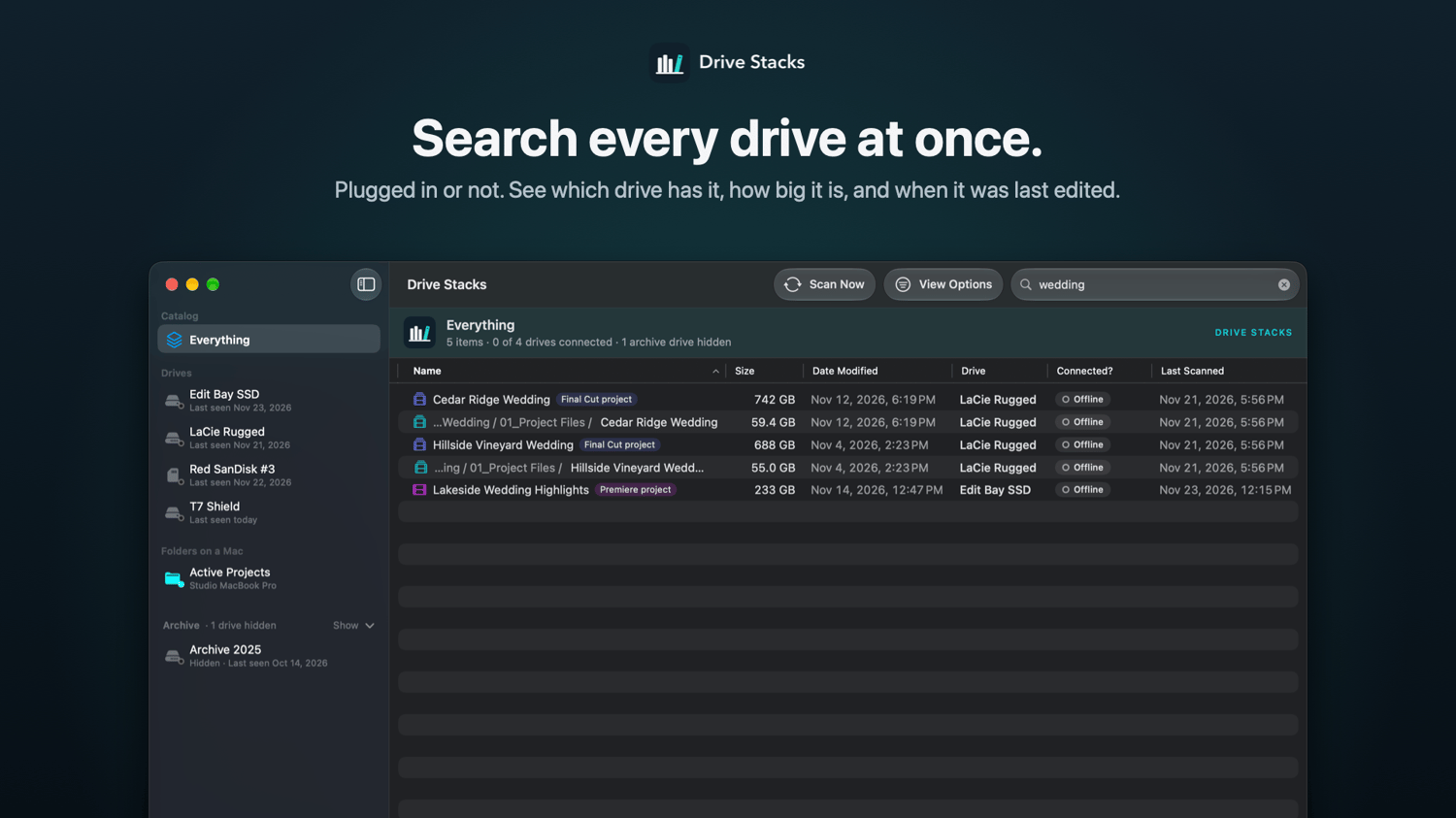
Drive Stacks is a Mac app that remembers what's on every external drive, even the ones sitting unplugged in a drawer. Search for a project and it tells you which drive has it, how big it is, and when it was last edited. Stop plugging in drive after drive to find the one you need.
Safe 2
Read only
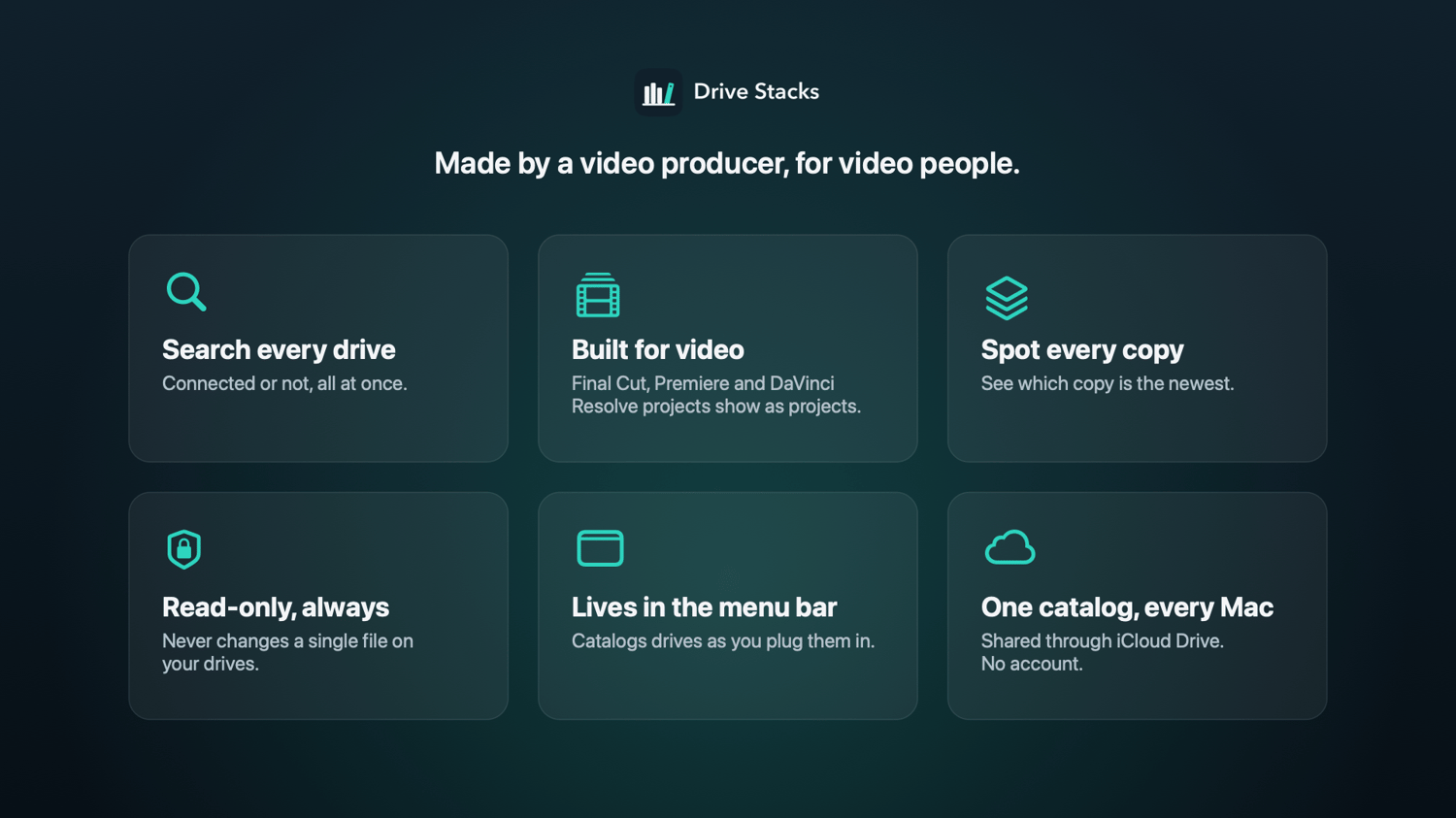
Never writes to any drive or changes any file.
Names, sizes and dates only
That is all it reads. Nothing is stored on your drives.
Find 3
Search every drive at once
Plugged in or not. One search covers your whole shelf.
See where it lives
Which drive holds a project, how big it is, and when it was last edited.
Projects, not loose folders
Final Cut, Premiere and Resolve files appear as projects, dated by last save.
Organize 3
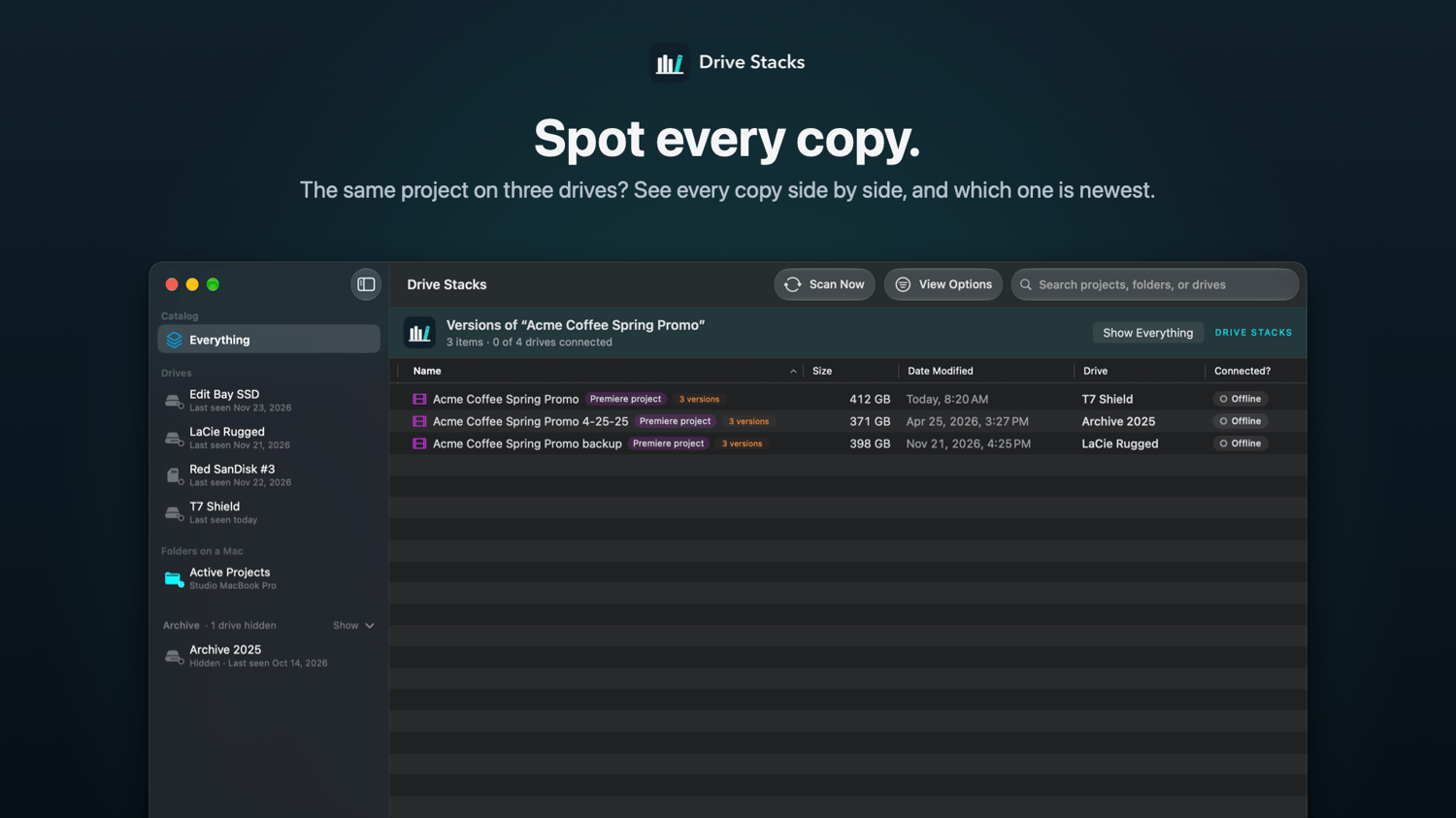
Versions grouped
Copies named "OLD" or "backup" collapse into one entry with a "3 versions" badge.
Drives you can tell apart
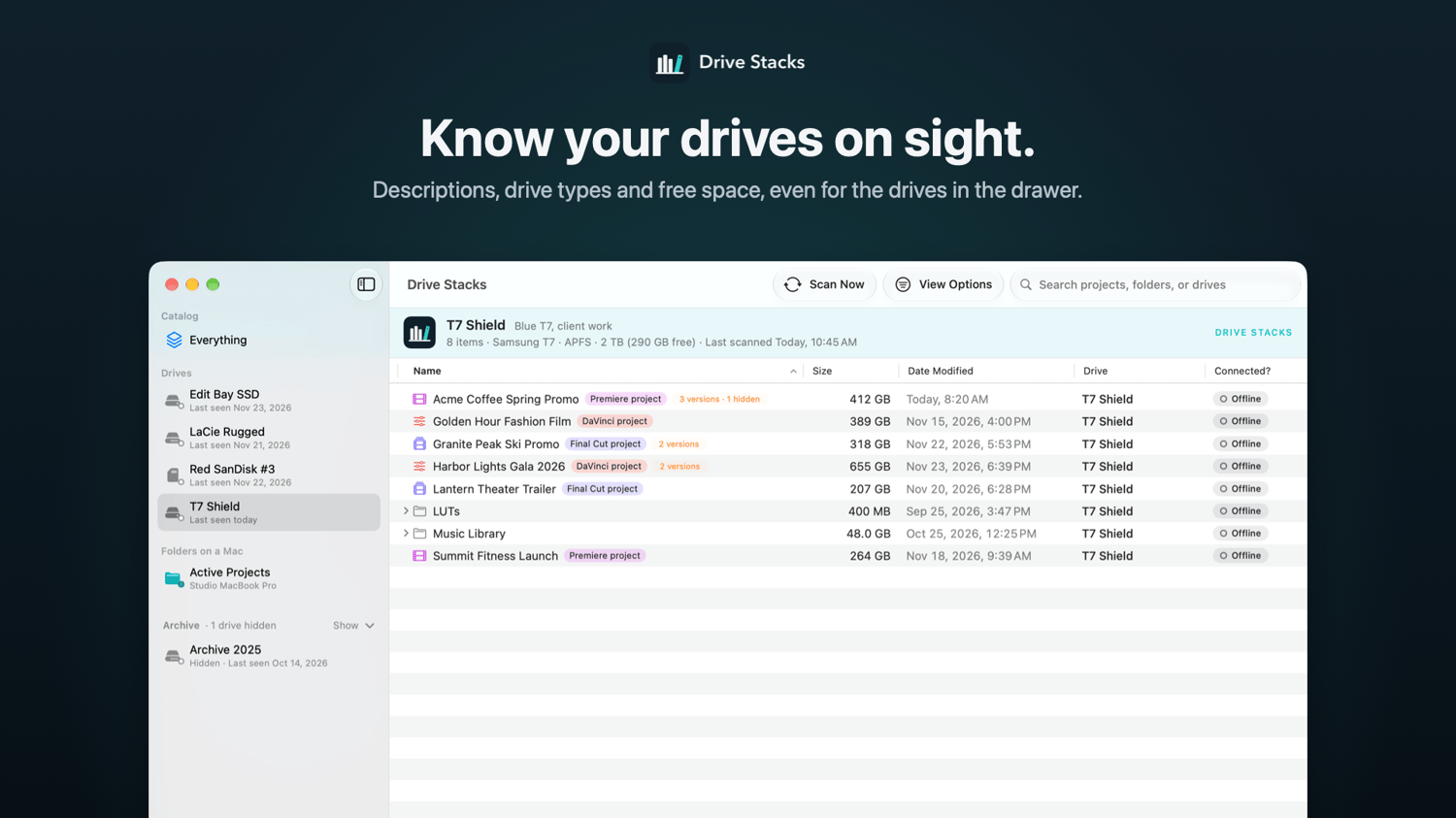
Give each drive its own description. Drives are tracked by unique ID, not name.
One-click archive
Retire an old drive from view while keeping everything on it searchable.
Stays out of your way 4
Lives in the menu bar
Catalogs a drive when you plug it in and keeps up as you work.
Waits for big copies
Holds off scanning until large file transfers have finished.
One catalog, every Mac
Syncs through iCloud Drive. No account and no sign-up.
Easy on the battery
No background checks when idle, and it never wakes a sleeping drive.
questions.
Will it change anything on my drives?
No. Drive Stacks only reads file names, sizes and dates. It never creates, moves, renames or deletes anything, and it stores nothing on your drives.
Does a drive need to be plugged in to search it?
Only once. After a drive has been cataloged, you can search it while it sits unplugged on a shelf. The drive's catalog gets updated anytime it's connected.
Which editing apps does it understand?
Final Cut Pro, Premiere Pro and DaVinci Resolve. Their files show up as projects, dated by when they were last saved.
What Mac do I need?
An Apple silicon Mac running macOS 26 Tahoe or later. The download is tiny, under 2 MB.
How many Macs can I use it on?
One license covers up to 3 Macs.
What if it isn't for me?
Refunds are allowed for 30 days, no questions asked.
You Might Also Like
No products found
By using this website, you agree to our use of cookies. We use cookies to provide necessary site functionality and provide you with a great experience.
Thank you!
Your message has been successfully sent
Thank you!
Your form has been submitted. Please check your email for a copy of your responses. If you're accepted, you'll receive an email with a link to checkout.
Could not add item to cart
Write a Review
After purchase you are sent an email receipt which includes your download page link. Please visit that download page to submit a review for this product.